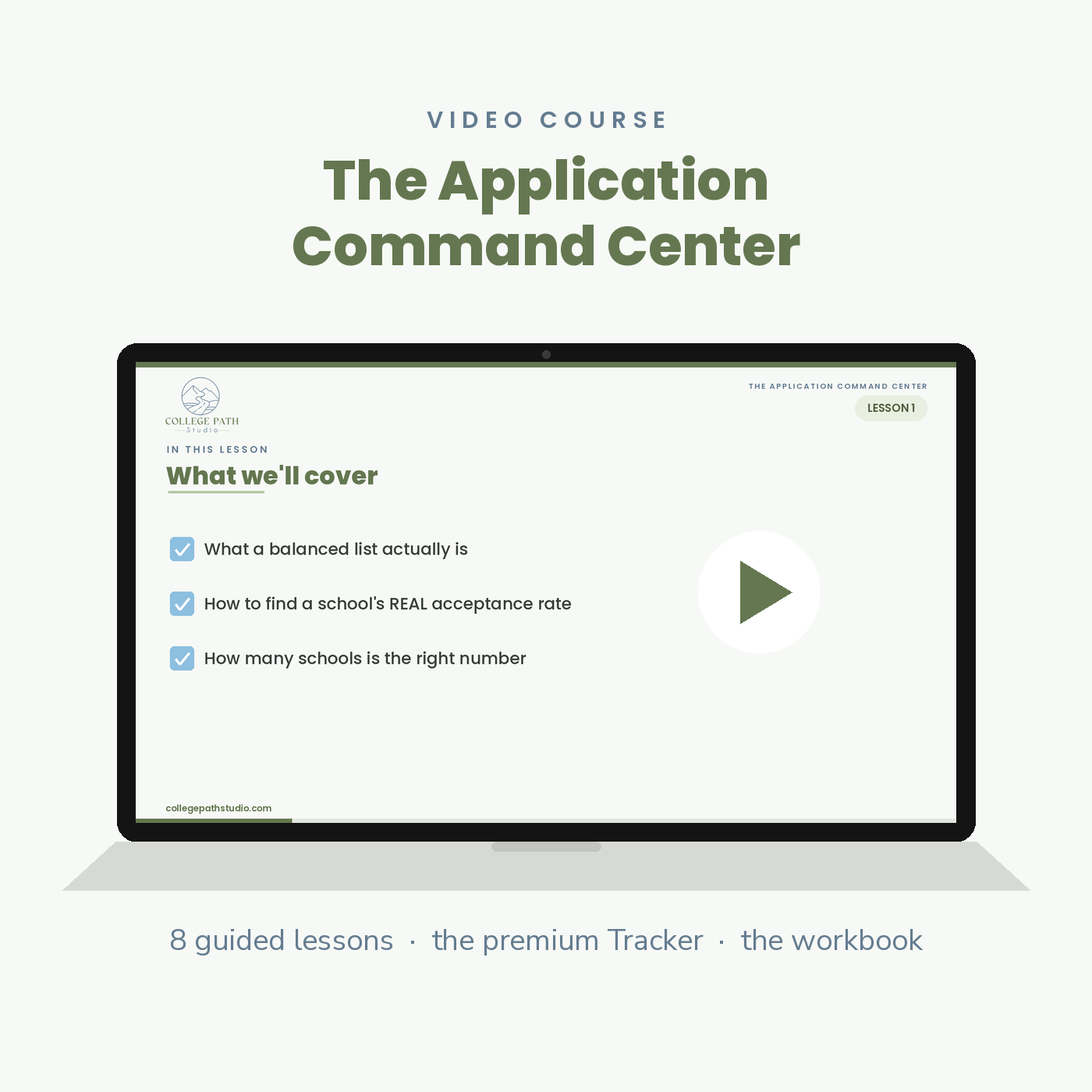
Application Command Center Course
Eight guided lessons that turn the most chaotic stretch of senior year into one system your family can see. Includes the premium College Application Tracker and the fillable Companion Workbook — the counselor's framework, without the counselor's price.
Founding price: $79 through October 31, 2026. Use code FOUNDING79 at checkout and pay $79 instead of $97. One founding offer, run once, never repeated — after October 31 the course is $97 for good.
Senior year has one chaotic stretch. This is how you run it.
Between August and January, your family is tracking a dozen schools, six kinds of deadlines, a half-dozen application platforms, and a stack of essays, transcripts, and recommendation letters that all move at once. Kept in your head, in browser tabs, and on sticky notes, that becomes a midnight scramble on the day it’s due.
The Application Command Center replaces all of it with one system. Eight guided video lessons walk you through every stage of the application season, built around a premium Tracker where every school, date, and requirement lives in a single view. You see the whole season on one screen — and you know the right move at every stage of it.
What your family walks away with
- A genuinely balanced college list — built on each school’s real acceptance rate, for the major or the college-within-the-university where it’s published, not on reputation.
- Every deadline confirmed and scheduled backward, so you see each one coming weeks out instead of the week it’s due.
- A real number for application costs, and a clear read on which fee waivers to pursue.
- A requirements map for every school — essays, transcripts, test-optional calls, recommendation letters, portfolios, and auditions.
- A ten-minute weekly review that keeps the whole season visible and current.
- A decision plan for all four outcomes — including deferrals and waitlists, mapped before they arrive.
The eight lessons
- Build a Balanced List — what a balanced list actually is, how to find a school’s real acceptance rate, and how many schools actually belong on it.
- Deadlines — the six deadline types and which ones bind you, where to confirm every date, and how to work backward so nothing is late.
- Fees & Platforms — what applying really costs, how fee waivers work, and which platform each school uses.
- Major — what to do when your student isn’t sure, why the major-level acceptance rate matters, and how to keep a backup direction.
- Requirements — essays that keep your student’s voice, transcripts and test-optional decisions, recommendation letters, portfolios, and auditions.
- Status — why visible status changes behavior, how to let the Tracker do the work, and how to set the weekly review.
- Decision Status — the four decisions, your move when a school defers or waitlists, and how to compare offers side by side.
- Putting It All Together — the best time to build the system, why you do one school first, and how to keep the season manageable.
What’s included
Eight guided lessons, plus the two Professional Toolkits the course is built to be worked in.
Eight guided video lessons
Short, direct, and built to be worked — not binged. Watch a lesson, work its workbook page, log it in your Tracker. Everything unlocks in your College Path Studio portal the moment you enroll.
The premium College Application Tracker
Six connected tabs — Start Here, Dashboard, Tracker, Deadlines, Requirements Checklist, and Rec Letters. A live Dashboard that does the math on your list balance and your running fee total, deadline countdowns that flag what’s due soon, percent-complete status for every school, and dedicated tabs for the pieces that get lost: dates, requirements, and recommendation letters.
The Companion Workbook
Eleven pages you fill in — one for each of the eight lessons, a Start Here orientation, and a one-page game plan for the season. Every page ends with the exact entry to make in your Tracker. Fill it on screen or print it.
Who this is for
Parents of a high school junior or senior who intend to lead this process rather than react to it. You don’t need a private counselor to run an organized application season — you need the framework a counselor would use and a tool that keeps it current. We provide the expertise. Your family provides the effort.
How it works
- Enroll and the full course unlocks in your College Path Studio portal, along with both toolkits.
- Start with Lesson 1 and add the first school to your Tracker — one row, start to finish. The rest go faster.
- Work one lesson at a time and run the weekly review. By the end you have the entire season mapped, tracked, and moving.
Questions families ask
We already use the free Tracker. Is this different?
Yes. The free Tracker gives you the grid. The Application Command Center teaches you how to win each stage of the season and upgrades the tool: a Dashboard that calculates your list balance and running costs, live deadline countdowns, percent-complete status per school, and dedicated Deadlines, Requirements Checklist, and Rec Letters tabs — plus the workbook that turns each lesson into a decision you’ve actually made.
When should we start?
The summer before senior year is ideal, and today is the second-best option. Applications open August 1, and the earliest deadlines land in October and November. Pick the system up wherever you are in the season — it starts from any point.
How long does it take?
Each lesson is one sitting. Do one a night and the whole framework is built inside two weeks — then the Tracker carries you through the rest of the season.
How long do we have access?
Lifetime access, including every future update, in your College Path Studio portal. Buy it for your oldest and use it again for the next student.
What if it isn’t for us?
Reply to your receipt within 30 days and we refund it in full. No forms, no reasons required.
Our 30-day, no-questions guarantee
If this isn’t the right fit for your family, reply to your receipt within 30 days and we refund it in full. No forms, no reasons required. Toolkit, planner or course — the same guarantee stands behind every purchase.
Take command of the application season
Stop guessing whether you’ve covered everything. Enroll now with code FOUNDING79 ($79 through October 31), build your Tracker this week, and run the rest of the season from one screen.
Related Products

High School Course Selection Course
Plan all four years of high school with intention — nine guided video lessons and a fillable worksheet that turn course selection from guesswork into a clear, repeatable four-year plan.